The Post‑Event Report Guide
The complete implementation guide to the 20‑question report used to manage 60+ carts and thousands of events a year—without being on site.
How to use this guide
- 1 Download the template so you can follow along.
- 2 Scan each section below to understand why the questions work.
- 3 Adapt the language for your team, tools, and bonus structure.
- 4 (Optional) Plug it into Flashquotes so every event automatically gets a report task attached.
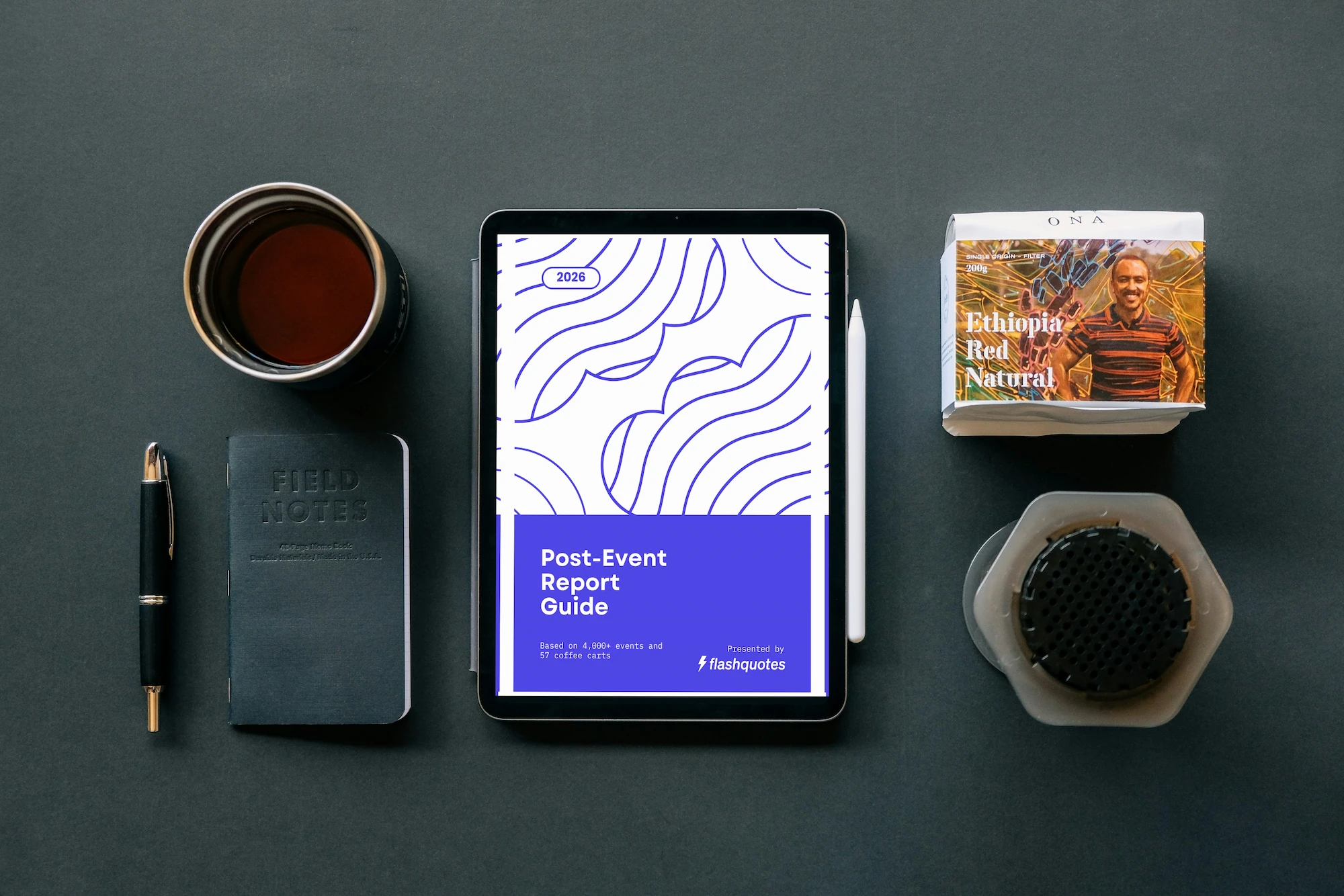
Get the template first, then follow the guide
- Download the 20‑question report as a copy‑ready form.
- Grab a client‑ready example you can show your team or partners.
Section 1: The Complete Question Template
This is the full set of 20 questions the Goodhart Coffee team answers after every event. The goal is simple: catch issues early, protect client relationships, and build a clean history of what really happened at each event.
1 Pre-Service Prep
TL;DR: Confirm the cart is ready for the next person before you leave—and acknowledge the consequences if it's not.
I left all equipment fully clean, restocked, and ready for the next event.
Why it matters: Sets the next barista up for success. Problems from the previous shift shouldn't become someone else's emergency.
Format: Acknowledgment checkbox
I acknowledge that I completed all tasks on the event brief.
Why it matters: Event briefs contain specific requirements. This confirms everything was done as planned.
Format: Acknowledgment checkbox
Critical items acknowledgment
Why it matters: Forgetting portafilters, milk pitchers, or other essentials can derail the next event. A bonus reduction per impact creates accountability.
Format: "I acknowledge that forgetting to put critical items back with the cart (portafilter, milk pitcher, etc.) will result in a reduction in bonus for each client/barista impact."
2 Equipment Condition
TL;DR: Report ALL issues so repairs happen fast—photo/video documentation is required for full bonus.
What machine did you use for your event?
Why it matters: Ties all feedback to specific equipment for maintenance tracking and lifecycle management.
Format: Dropdown of cart/machine IDs
Was any of your equipment missing or damaged (from a previous event)?
Why it matters: Catches issues before they become disasters. Report ALL issues so repairs happen ASAP.
Format: Yes/No
Conditional Follow-ups (if Yes):
- → Does anything need to be repaired or replaced? (Yes/No + explanation)
- → Photo/video documentation required – Upload to Slack before proceeding
- → Does this issue render the cart incapable of serving? (Yes/No)
If cart is non-functional: Call operations manager immediately. Do not leave warehouse until critically damaged equipment is repaired or replaced. Tag item with colorful tape including your name, date, and description of issue.
Were any items from your cart dirty, disorganized, or insufficiently restocked (from a previous event)?
Why it matters: Maintains team accountability. Report ALL issues to keep performance standards high.
Format: Yes/No with explanation if Yes
3 Event Brief & Execution
TL;DR: Flag brief issues so admin can improve, and document on-time service with photos.
Did your Event Brief contain insufficient or inaccurate information?
Why it matters: Identifies gaps in your planning process. If baristas consistently get bad info, that's an admin problem to fix.
Format: Yes/No with explanation if Yes
Please rate the QUALITY and ACCURACY of your Event Brief (1-10)
Why it matters: Quantifies brief quality over time. Scores below 7 should trigger a process review.
Format: 1-10 scale
Did coffee service begin on time?
Why it matters: Late starts are the #1 way to put clients in a bad mood—even if everything else is perfect.
Format: Yes/No
Conditional Follow-ups (if No):
- → How many minutes late? (Number)
- → Please explain any difficulties that led to the late start
Photo acknowledgment
Why it matters: Visual proof of service start time. Three photos to Slack before service begins.
Format: "I acknowledge that submitting three photos of the cart to Slack before service begins is required to verify service start time."
4 Compensation Triggers
TL;DR: Track bonus-eligible activities—event count, warehouse tasks, extensions, and hand-carry situations.
How many events have you completed since your last bonus?
Why it matters: Tracks progress toward bonus threshold. Include today's event in the count.
Format: Number (0 if event doesn't count toward normal bonus)
Did you fully complete your warehouse task?
Why it matters: Everyone chips in on shared tasks—bathroom cleaning, floor sweeping, package organization, FIFO rotation.
Format: Yes/No
Did you have an officially requested service extension by the client?
Why it matters: Extensions mean extra billing to the client AND a bonus for the barista.
Format: Yes/No | If Yes → How long was the extension?
Did you have to hand-carry the equipment to the service location?
Why it matters: Hand-carrying is labor-intensive (10+ trips vs. single cart roll). Baristas earn a bonus for this.
Format: Yes/No with photo upload
Note: Because warehouses are equipped with transport wagons, hand-carry fee only applies if there are unavoidable steps present. Photo documentation is required to earn bonus.
5 Training
TL;DR: Get detailed feedback on new hires while the shift is fresh—rate them on 5 key dimensions.
Did you train a new barista on this shift?
Why it matters: Training takes extra effort and deserves compensation. Also creates a formal feedback loop for new hire performance.
Format: Yes/No
Conditional Follow-ups (if Yes):
- → Barista's full name
- → Which training shift? (First / Second / Third / Fourth)
- → General observations and feedback (Open text)
- → Rate on 1-10 scale:
- • Openness to feedback
- • Customer interactions
- • Overall professionalism
- • Latte art
- • Cleanliness
- → Did you observe anything concerning about their demeanor or attitude?
- → Did you observe any strengths or good qualities?
- → Overall, do you feel this person could be a good addition and represent the company well? (Yes/No)
6 Google Reviews
TL;DR: Claim your Google review bonuses—must mention keywords and your name to qualify.
Did you earn any Google review on this shift?
Why it matters: Google reviews drive business. Justin incentivizes them with bonuses.
Format: Yes/No
Conditional Follow-ups (if Yes):
- → Did the review mention "coffee cart" or "coffee catering"? (Required for bonus eligibility starting 12/15/24)
- → How many reviews mention you by name? (Number)
- → Name(s) of people who left reviews (Must match Google)
- → Did the review also mention other baristas? (Yes/No)
7 Inventory & Feedback
TL;DR: Flag restocking needs and capture venue intel for future events.
Do any snacks or beverages need to be stocked/restocked at the warehouse?
Why it matters: Keeps team supplies stocked. Small gesture, big impact on morale.
Format: Yes/No with list if Yes
Please share some comments or feedback about this event
Why it matters: Captures parking notes, loading tips, client preferences—anything useful for future events at this venue.
Prompt: "Info about parking, loading, the client, the service, etc."
8 Final Acknowledgments
TL;DR: Confirm accuracy and compliance—inaccurate info or rule violations affect your bonus.
Accuracy acknowledgment
Why it matters: Creates accountability for all answers. Reinforces that inaccurate information has consequences.
Format: "I acknowledge that inaccurate information or incomplete tasks will result in a partial or full loss of bonus."
Wastewater policy acknowledgment
Why it matters: Environmental compliance. Wastewater disposal requires explicit approval.
Format: "I acknowledge wastewater can no longer be dumped on site for any events without approval from the client and admin team."
Section 2: Why This System Works
Screens for Negative Sentiment
You're not on site, but you need to know if something went wrong. The event report gives you two perspectives: staff perspective and client perspective (via automated post-event emails). When both are positive, you're done. When there's a mismatch, you investigate.
Catches Equipment Issues Early
A small leak, a cracked component, a missing backup part—these aren't emergencies today. But left unaddressed, they become event-ruining disasters. Justin's philosophy: "$45 for a battery jump starter is cheap insurance for an $800 event."
Enables Damage Control
Sometimes things go wrong. The event report tells you when to proactively reach out. Justin's script: "We're committed to making it right. Here's what we propose. Does this feel fair?"
Quality of Life Improvements
Payroll calculations, snack restocking, warehouse task tracking—these save you time and show your team you care.
Training Tracking
When you're onboarding 20 new people in a busy season, you need a formal process. The event report creates documentation and alerts without extra meetings.
Incentive Alignment
Google reviews, service extensions, training bonuses—the event report ties compensation to the behaviors you want to encourage.
Section 3: Implementation Tips
Start Simple
Don't try to implement everything at once. Justin's system evolved over 7+ years.
Week 1: Basic sentiment
- • Did the event go well? Yes/No
- • Any issues I should know about?
Month 1: Equipment tracking
- • What equipment did you use?
- • Any damage or issues?
Month 3: Quality of life
- • Event brief rating
- • Comments/feedback
Month 6+: Full system
- • Conditional logic + automation
- • Incentive/compensation integration
Triangulation: The Missing Piece
The event report only gives you one side of the story. You also need client feedback.
Flashquotes can automate this: Set up a workflow to email clients after every event asking "How did it go?" Then compare:
- Staff says it went well + Client says it went well = Great, done
- Staff mentions challenges + Client is happy = Note for improvement
- Staff says it went well + Client is upset = Investigate immediately
Automation Ideas
Once you have form data flowing, connect it to other systems:
- Zapier: Form → Slack Alert when there's negative sentiment or equipment issues
- Zapier: Form → Spreadsheet Equipment maintenance tracking
- Zapier: Form → Payroll Automated bonus calculations
- AI filtering Scan comment fields for keywords/sentiment
Timeliness Matters
Require submission within 12-24 hours of shift end.
Justin's system:
- • On-time submission = Green confirmation text
- • Late submission = Red warning text + pattern flagged to operations
- • Consistent lateness = Bonus impact
Why? You need this information while it's fresh. Equipment issues need immediate attention. Client problems need fast damage control.
Section 4: Tools You Can Use
Google Forms (Free)
- Pros: Free, easy conditional logic
- Cons: Basic design, limited integrations
Best for: Getting started, small operations
Typeform
- Pros: Beautiful UX, great conditional logic
- Cons: Paid plans add up, some integration limits
Best for: Operations that want a polished staff experience
Jotform
- Pros: Robust conditional logic, strong integrations
- Cons: Learning curve
Best for: Complex forms with lots of conditional paths
Notion
- Pros: Integrates with your existing workspace
- Cons: Less form-like experience
Best for: Teams already using Notion for everything
Flashquotes
Already using Flashquotes? You can integrate your post-event report directly into your existing workflow today.
How to set it up:
- Create your event report form in Google Forms, Typeform, or your preferred tool
- Copy the form link
- In Flashquotes, add the link to your Post-Event Tasks checklist in your Event Brief template
- Your staff will see the link right in the Event Brief they're already using at the end of their shift
This keeps everything in one place—no hunting for a separate form or remembering a different URL. Staff click the link, fill out the report, and they're done.
Quick Start Checklist
- Choose your form tool (Google Forms is fine to start)
- Add basic questions: Event ID, sentiment, issues
- Set a deadline for submissions (12-24 hours)
- Review responses weekly at first
- Expand questions based on what you wish you knew
Want to automate the client feedback side?
Flashquotes can automatically email your clients after every event asking how it went—so you can triangulate their feedback with your staff's report.
About This Guide
This guide is based on Episode 37 of the Flashquotes Podcast, where Justin Goodhart walks through his complete post-event report system.

Justin Goodhart
Owner, Goodhart Coffee
Goodhart Coffee is one of the largest mobile coffee catering operations in America with 60+ carts across multiple cities.
Flashquotes is a B2B SaaS platform providing quoting and booking solutions for mobile businesses.
Have questions? Email us at hello@flashquotes.com